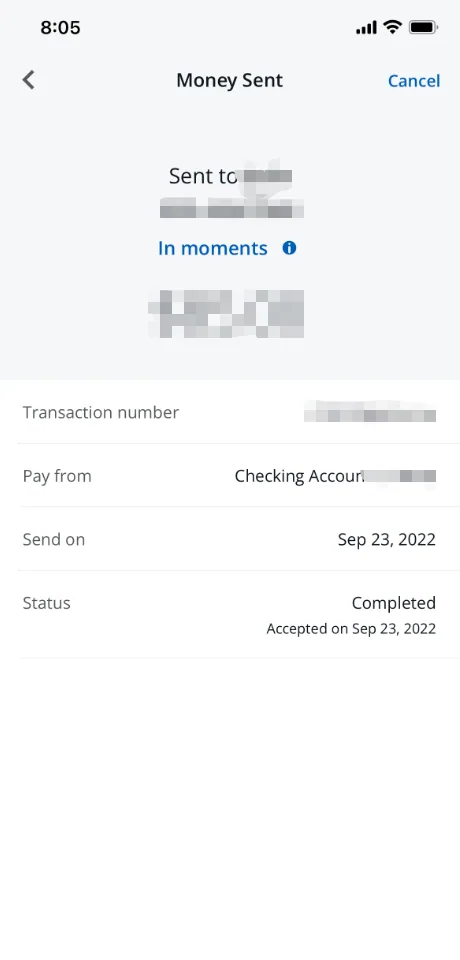
The following steps show how to find your Chase Zelle transfer proof and upload it to Swapsy.
- Sign in to Chase Mobile or chase.com.
- Open Pay & transfer and find your Zelle payment activity.
- Find the payment you sent for this swap and open its details.
- Capture the recipient, amount, date, status, and transaction or confirmation number if shown. If the details span more than one screen, capture the additional details too.
- Return to your swap in Swapsy and select Upload to attach the proof.
Chase’s menu labels can change. Look for the Zelle activity section if the path differs. See what counts as valid transfer proof.